
Free Mockup Generator
Create stunning mockups with no external software needed. Start for free today and bring your designs to life fast and easy.


Introducing Magnific Mockup Generator

An easy-to-use mockup creator

Upload your images

Create realistic and professional mockups faster
How to create a mockup online
Browse through our collection of high-quality editable mockups and choose one that best suits your projects.

Customize your mockups online
Create your mockups exactly the way you want. Watch your design ideas leap off the canvas in just a few clicks
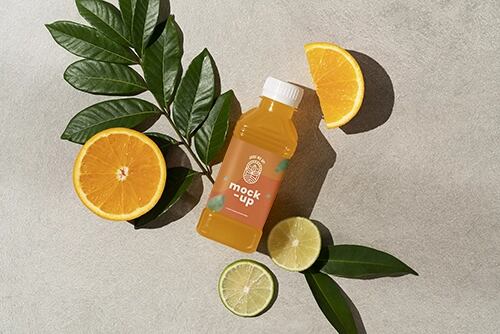
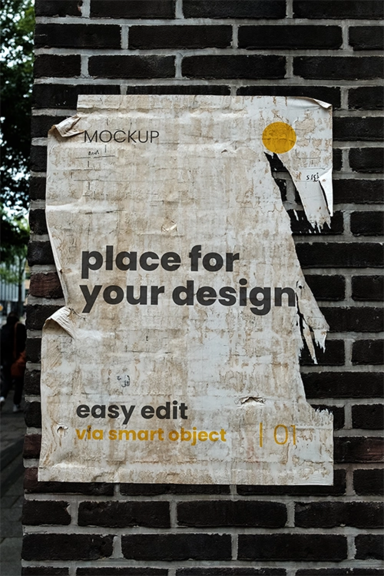
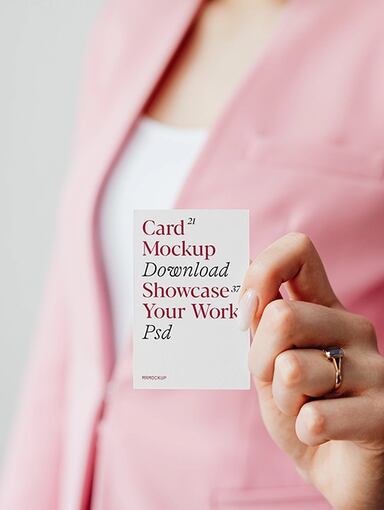
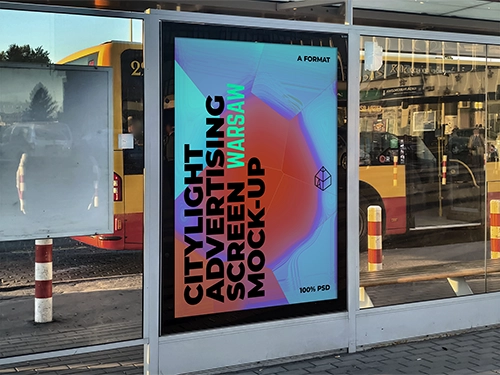
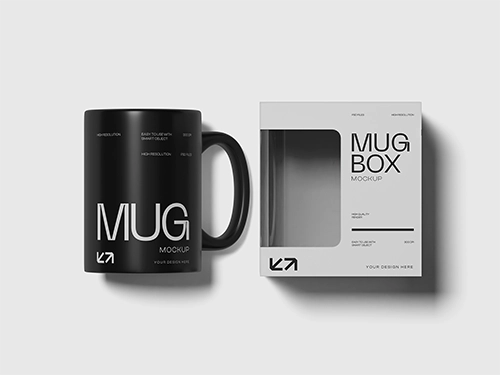
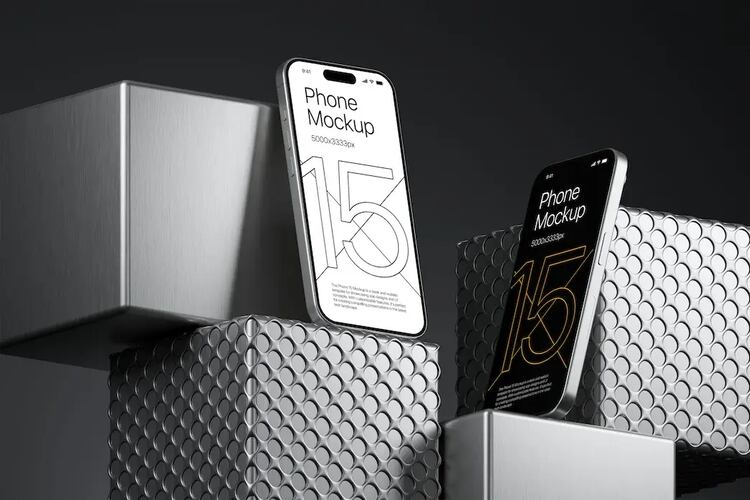
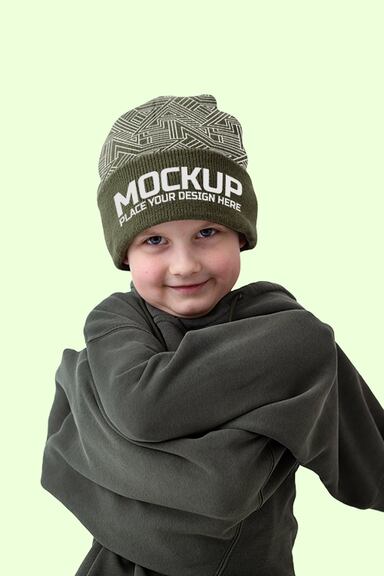
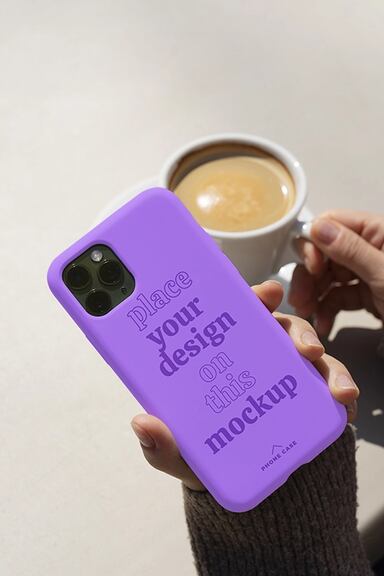
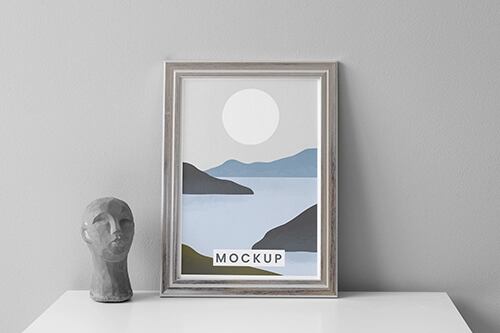
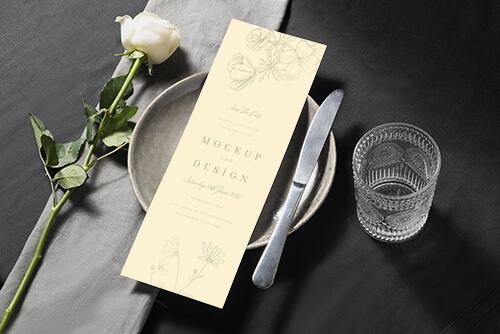
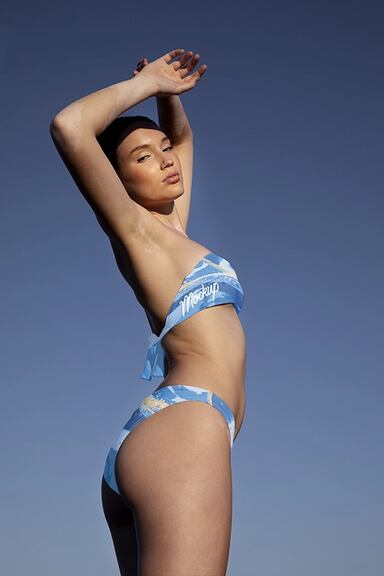


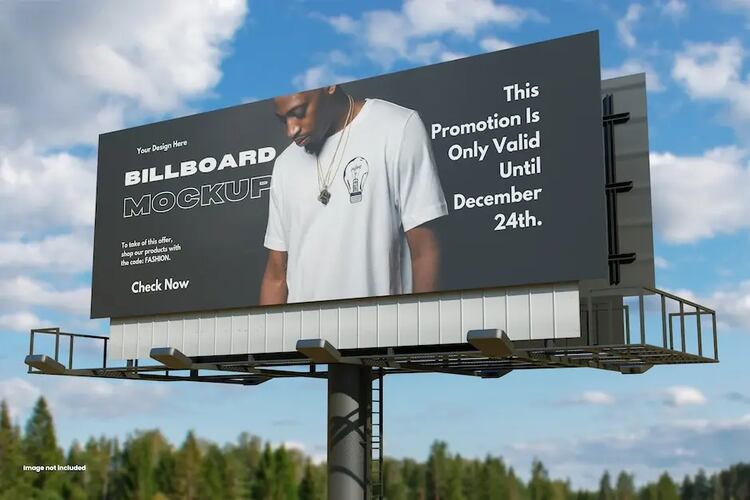
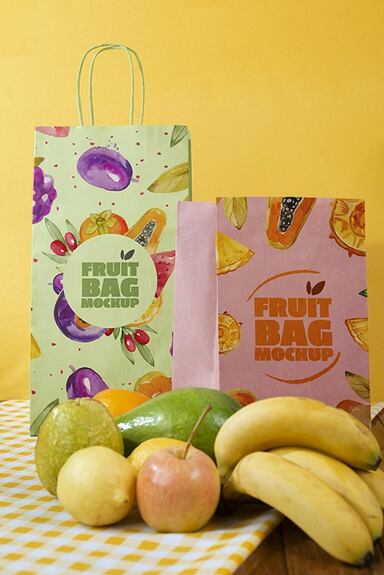
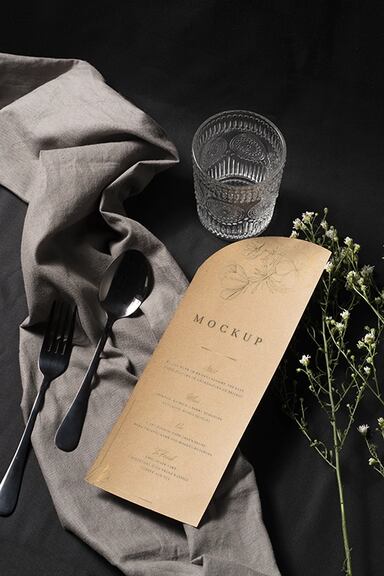
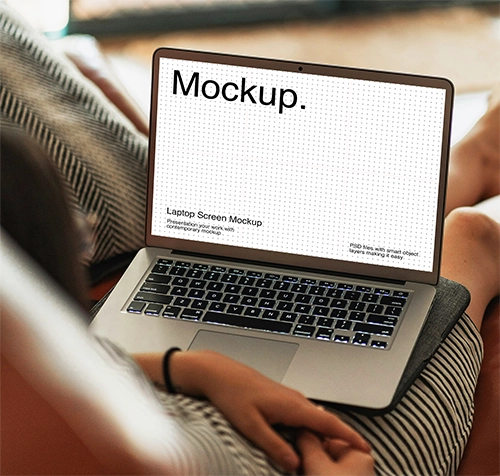
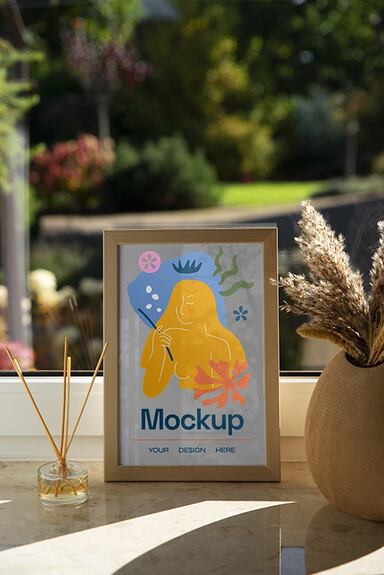
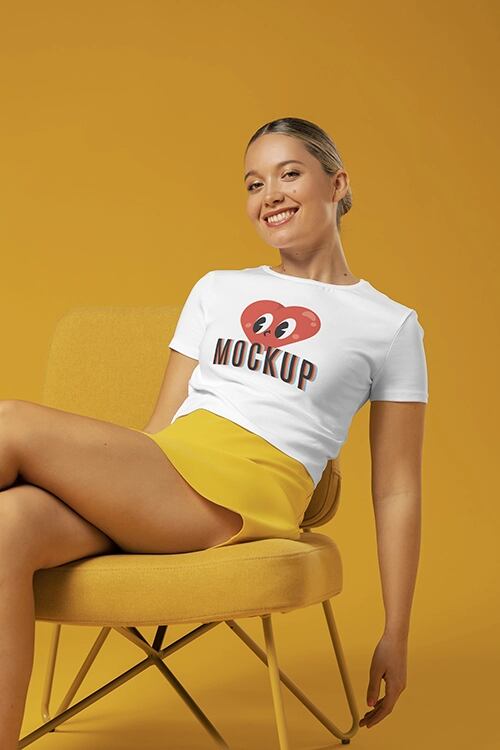
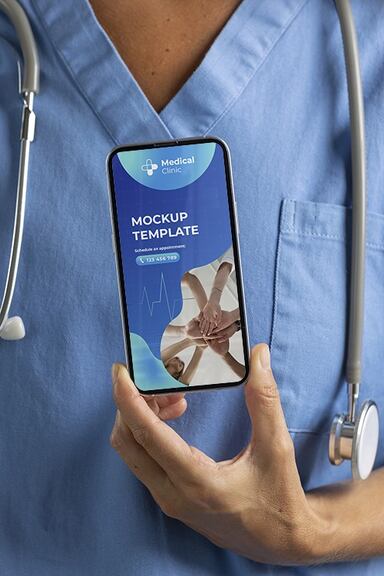
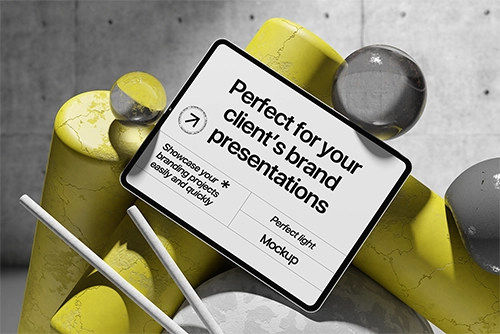
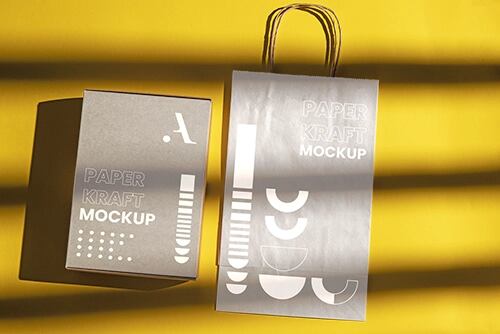
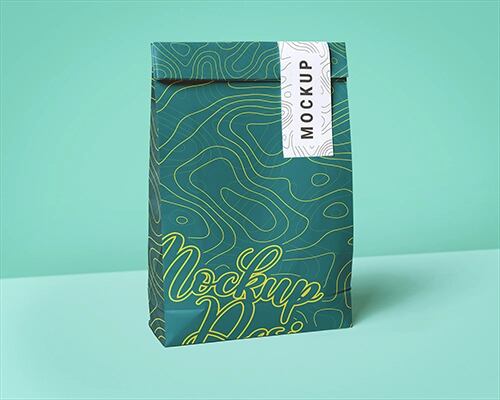
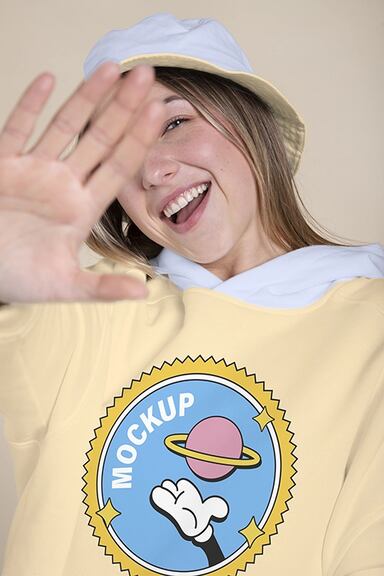
Tools to skyrocket your creative freedom
More tools and features coming soon! Want to test them before anyone? Become our Creative Partner.








Frequently asked questions
- It's an online tool that allows you to easily create and customize mockups without the need for any specific software. It simplifies your design process and helps you create professional, close-to-real-life digital representations of your ideas.
- Designing stunning mockups with Magnific Mockup Generator is pretty easy. Select a mockup template from our library, click on the editable areas, and import your images from your device.
- Currently, you can edit all the mockups included in the Apparel, Devices, Print, Packaging, Digital, and Featured categories. With your Premium subscription, you have access to all of them!
- Yes, you can use the Magnific Mockup Generator for both personal and commercial purposes, like presenting your own products or creating promotional products for your company, for example.
- You can upload your image in PNG, JPG, SVG, and WebP formats.
- You can download your mockups in JPEG or PNG formats, both with 5K resolution. Choose the format that best suits your needs.
- Our mockups are of remarkable 5K resolution, ensuring professional-grade results and making your designs look incredibly lifelike.
- No, your mockup will not have a watermark, regardless of whether you are using Magnific's free or Premium subscription. However, free users have limited access to the library of mockups and assets. By subscribing to Magnific's Premium plan, you can unlock the full library of over 50,000 mockups, providing more options and flexibility for your projects.
- This online Mockup Generator is not currently available on mobile.
- Absolutely! You can download and share the mockups you created with clients and colleagues or on social media to take your design ideas anywhere you want faster.
- No, you don't. It is designed to be easy to use and accessible to everyone, regardless of the level of expertise.
- This tool is currently available in English. However, we are continuously working to expand our language options to cater to a wider audience.
If you need further information, please contact us
Learn more about mockups

What is a mockup? Definition and types
Mockup is a representation of a product or service that allows marketers to visualize how it might look. Discover more about mockups!

Crafting a Cohesive Corporate Identity
Welcome to the definitive guide to creating strong branding that fits the very fabric of your entrepreneurial dreams and visions.

Color meanings and symbolism
Discover the color meanings and the symbolism they represent in design. Take your graphic designs to another level by applying the right colors.